
Reorder Reminders: Helping Customers Restock Before They Run Out
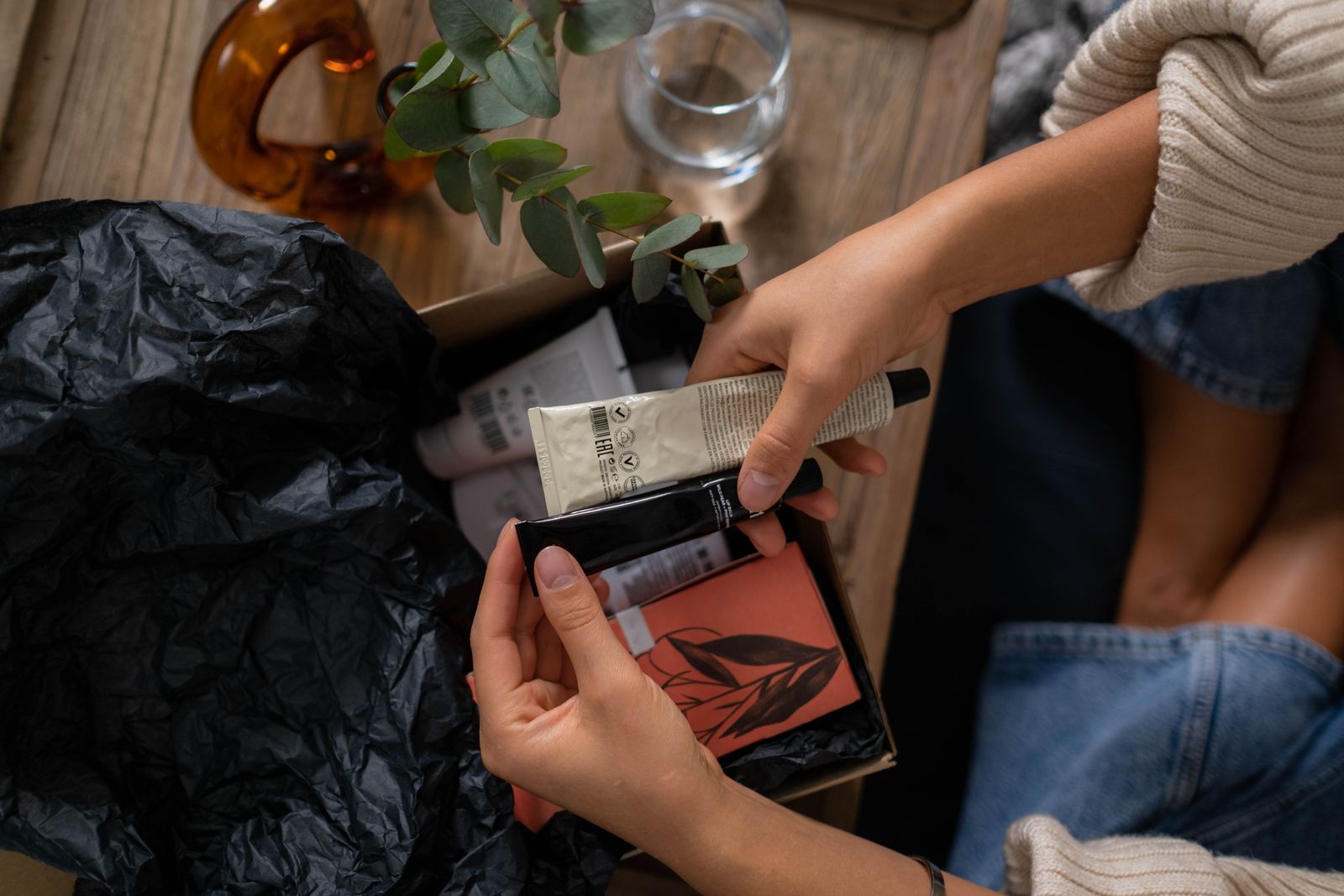
Skincare, supplements, coffee, pet food and cleaning supplies all run out. The customer will buy again, the only question is whether they buy from you or from whoever they remember at that moment.
Work out the usage cycle
Estimate how long one purchase lasts. A 30-day supply should prompt a reminder around day 25. Use your own order data to refine the timing, and note that customers use products at different speeds.
Make the reminder helpful
A good reminder is short and specific: “Your cleanser should be running low about now. Want to reorder the same size?” Include a direct link or let the customer reply to confirm.
Let an agent handle the replies
Customers may ask to change the size, delay the order or skip a month. An AI agent can handle these requests, confirm the details and pass anything unusual to your team.
Offer flexibility
- Let customers snooze the reminder
- Offer a different quantity
- Make unsubscribing easy and respectful
Avoid common mistakes
Do not send reminders for products that customers rarely buy again, and do not send them too often. If someone has already reordered, stop the reminder.
Test and learn
Try different timings with small groups. Compare reorder rates and unsubscribes, then adopt the version that works for your customers without annoying them.